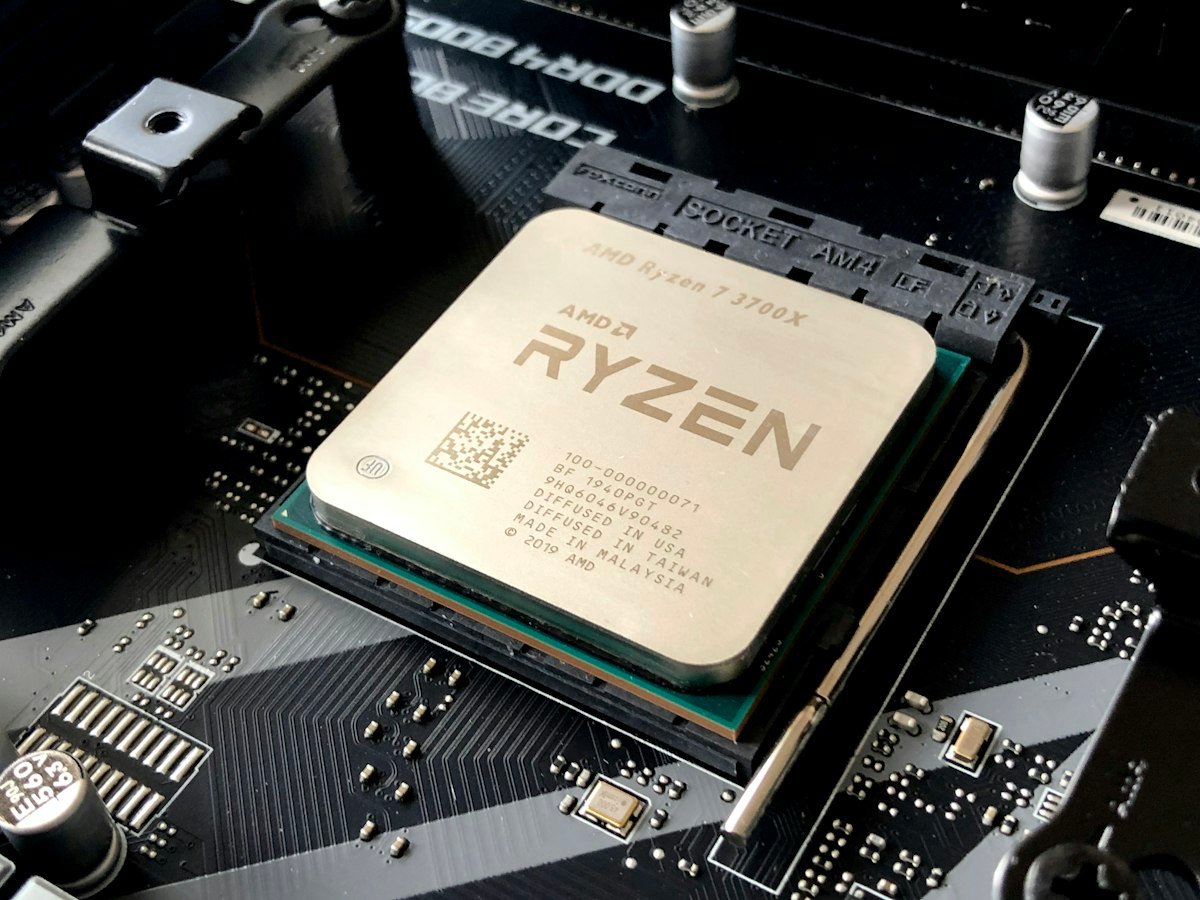
When selecting the beating heart for your custom gaming rig in 2026, the question almost always boils down to two titans: Intel’s 24-core unlocked flagship, the Core i9-14900K, or AMD’s dedicated gaming beast with 3D V-Cache, the Ryzen 7 7800X3D.
Architecture Breakdown: Clock Speed vs Massive L3 Cache
Intel’s Raptor Lake Refresh relies on sheer brute force: 8 Performance Cores boosting up to an eye-watering 6.0 GHz, coupled with 16 Efficiency Cores for heavy background multi-threading. In contrast, AMD’s Ryzen 7 7800X3D features 8 hyper-fast Zen 4 cores with a stacked 96MB 3D V-Cache, bringing total L3 cache to a massive 104MB.
Benchmark Highlights Across 14 Titles
| Game (1440p Ultra) | Intel Core i9-14900K | AMD Ryzen 7 7800X3D | Winner |
|---|---|---|---|
| Cyberpunk 2077 (Ray Tracing Overdrive) | 114 FPS | 118 FPS | Ryzen 7 7800X3D (+3.5%) |
| Counter-Strike 2 (Esports 1080p) | 560 FPS | 595 FPS | Ryzen 7 7800X3D (+6.2%) |
| Microsoft Flight Simulator 2024 | 82 FPS | 96 FPS | Ryzen 7 7800X3D (+17.0%) |
| Adobe Premiere Pro 4K Render Time | 4 min 12 sec | 6 min 45 sec | Core i9-14900K (+38%) |
Thermal Load and Power Efficiency
One of the most dramatic differences between these two CPUs is thermal dissipation. Under synthetic full load, the i9-14900K routinely draws 253W to 320W, demanding a minimum 360mm high-performance AIO liquid cooler. The Ryzen 7 7800X3D, on the other hand, rarely exceeds 85W in pure gaming workloads, making it significantly easier to cool.
The Verdict: Which Should You Choose?
- Choose the AMD Ryzen 7 7800X3D if: Pure gaming performance, low energy draw, and minimum fan noise are your top priorities.
- Choose the Intel Core i9-14900K if: You use your rig as a dual workstation for heavy 4K/8K video editing, Blender 3D rendering, and compile heavy codebases.